
I’ve tested ten AI tools for living room redesigns, and here’s what I found: RoomsGPT gives you two polished redesigns instantly—free. VisualizeAI lets you start with photos or sketches and tweak everything from lighting to cabinet handles for $19 monthly. HomeVisualizerAI delivers studio-quality renders if you want professional results. Paint.it specializes in colors and finishes, while Planner 5D shows your space in interactive 3D. Canva works great for budget-conscious brainstorming. The trick? Match your tool to what you actually need—speed, customization, or realism. Stick around to discover which combination works best for your vision.
[link-whisper-related-posts]VisualizeAI: Flexible Inputs for Precise Customization

Ever stared at your living room and thought, “I know what I want, but I can’t quite picture it”? VisualizeAI gets it. This tool accepts flexible inputs—whether you’re starting with an existing photo, a quick sketch, or your floor plan—so you don’t need design experience to begin. Here’s how it works: pick your room type and style from presets, then refine everything with text prompts. Want to remove those cabinet handles? Add softer lighting? You can do that. VisualizeAI combines architecture, interior design, and product design into one customization powerhouse. Your first prompt is free, letting you test the experience. After that, a $19 monthly subscription provides full access. It’s precise customization that listens to what you envision.
Roomsgpt: Fast Redesigns From Any Photo

While VisualizeAI rewards patience with detailed customization, RoomsGPT takes the opposite approach—it generates two polished design iterations instantly from a single photo. Upload your living room snapshot, choose between AI Room Design for interiors or AI Home Design for exteriors, and watch rapid redesigns materialize within seconds. The retro-inspired interface keeps things refreshingly simple, making virtual staging accessible even if you’re new to design tools.
What makes RoomsGPT stand out? It’s completely free, supports unlimited visualizations, and offers a regeneration option when you want fresh concepts. Renders occasionally blur or lose realism, but you’re exploring multiple room styles without commitment or cost.
Pro tip: if large uploads stall, try smaller image files. RoomsGPT proves that sometimes, fast beats fancy.
HomeVisualizerAI: Studio-Quality Renders for Design-Savvy Users
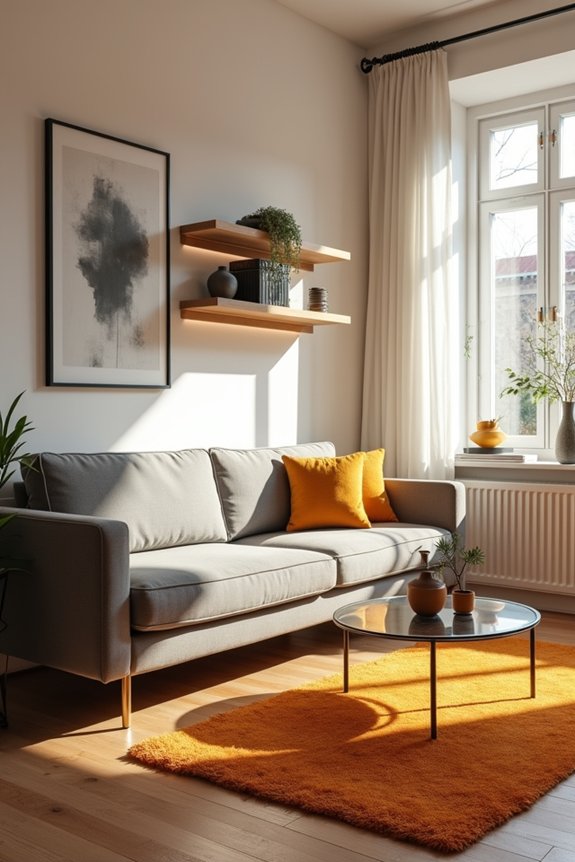
If you’re ready to move beyond basic room mockups, HomeVisualizerAI gives you the professional-grade controls that serious design enthusiasts want—think structured prompts, finishes refinement, and the ability to blend your Pinterest inspiration directly into your renders. You’ll get granular control over how creative versus realistic your final image should be, plus text input works alongside style selection so your vision actually lands on screen instead of getting lost in translation. It’s the kind of tool that rewards your attention to detail, though you’ll want to budget around $12 monthly after those initial three free renders.
Advanced Creative Control Features
How’d you like to move beyond basic room mockups and actually *design* like a pro? HomeVisualizerAI gives you the creative control that separates amateurs from designers. You’ll use the realism fidelity slider to dial in exactly how much creative freedom versus accuracy you want—slide left for wild ideas, right for faithful reproductions. Then comes the key feature: inspiration image fusion lets you blend Pinterest boards with your actual room renders. Add text prompts for specificity—”mid-century modern sofa with brass legs”—and you’re not guessing anymore. You’re directing. This combination turns rendering from passive viewing into active design collaboration. You’re finally in control, tweaking until your vision matches reality precisely.
Professional-Grade Rendering Capabilities
Professional-Grade Rendering Capabilities
Once you’ve mastered the basics of room visualization, you’re ready for HomeVisualizerAI’s professional-grade rendering engine—the kind that actually looks like something a real designer created, not just a computer approximation.
Here’s what makes these renderings work:
- Studio-quality output that rivals actual interior-design tools professionals use daily
- Precision control through structured prompts, letting you dial in exactly what you want
- Refinement through iteration until the result meets your specifications
- Realistic shopping integration by pairing renders with Google Lens to find actual products
The rendering quality here isn’t just better—it delivers professional-grade details in lighting, texture, and proportion that entry-level tools simply can’t match. This is where your vision becomes reality, not a rough draft. You’re working with the same capabilities designers rely on.
Reimaginehome: Unlimited Redesigns With a Predictable Monthly Fee
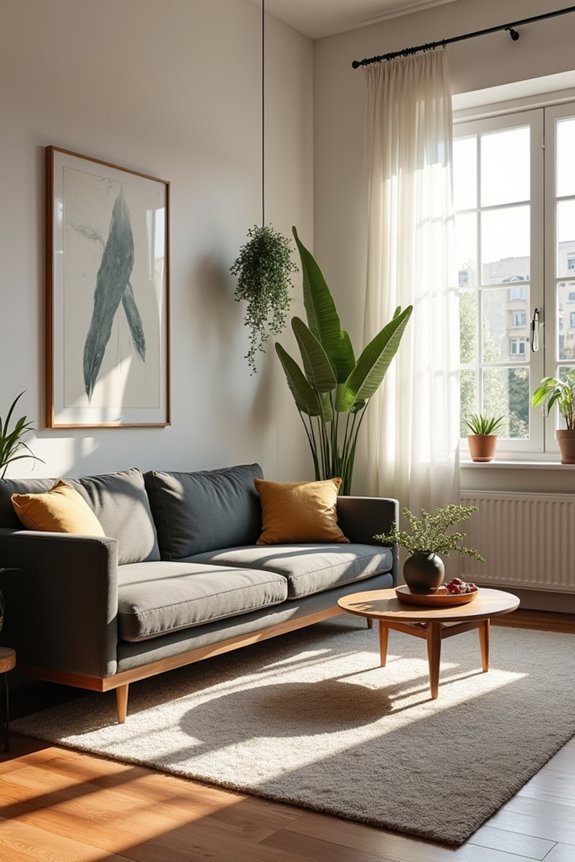
Why settle for one vision of your living room when you can explore dozens? ReimagineHome changes how you approach AI interior design through unlimited redesigns with a monthly subscription model. Instead of paying per render—which gets expensive fast—you’re investing in sustained creative freedom.
I appreciate this approach because it removes the financial guilt from experimentation. Want to test that bold accent wall? Done. Considering three different furniture arrangements? Go ahead. The platform delivers realistic, high-quality visuals that help you visualize changes before committing actual money to updates.
You’ll quickly iterate across multiple design concepts, building mood boards and discovering your style preferences. It’s ideal for homeowners like us who want frequent updates without hiring an interior designer. Predictable pricing means you know exactly what you’re spending.
Spacely: Quick Style Discovery Without Custom Prompts
While ReimagineHome excels at unlimited exploration, Spacely takes a different angle—it gets you to great results faster without making you write detailed descriptions. This AI interior design platform skips the custom prompt hassle entirely.
Here’s what makes rapid styling practical:
- Browse extensive room-type and style options instantly
- Generate complete living room visuals from scratch or modify existing concepts
- Skip complicated prompt writing—just pick what appeals to you
- Edit renders directly to match your exact vision
Spacely’s no-prompt design approach means you’re exploring stylistic directions within minutes, not hours. The streamlined workflow lets you iterate quickly, testing multiple aesthetics without crafting lengthy descriptions. Whether you’re redesigning your space or simply discovering new possibilities, Spacely delivers visual results fast. It’s straightforward for anyone wanting to see options without friction.
Remodel AI: Fast Renders for Furniture and Layout Changes
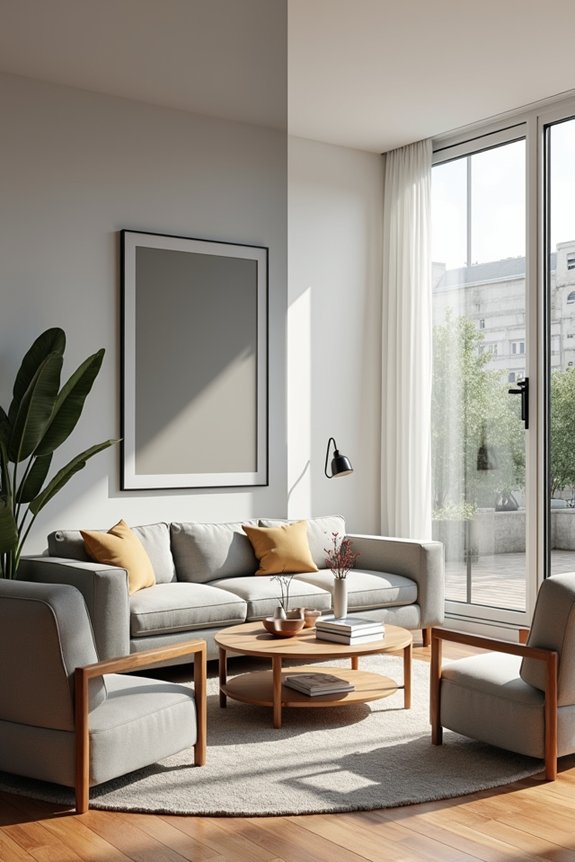
If you’ve ever wanted to test-drive a new couch arrangement before moving furniture across your living room, Remodel AI lets you visualize furniture and layout changes without the physical effort. You’ll get photorealistic before-and-after comparisons showing exactly how your space changes with different pieces and placements.
| Feature | What You Get | Why It Matters |
|---|---|---|
| Fast Renders | Quick visual updates | See changes instantly |
| Furniture Layout | Realistic arrangements | Plan with confidence |
| Before-and-After | Clear comparisons | Understand the difference |
Remodel AI keeps your room’s existing structure intact—no adding windows or doors. Your workflow stays image-based and user-friendly, perfect for quick concept testing. Results might look minimalistic sometimes, but that’s honest feedback helping you visualize your actual space changes.
Paint.it: Best for Color and Finish Visualization

How many times have you stared at paint swatches under your living room’s natural light, only to slap them on the wall and immediately regret it?
That’s where Paint.it steps in. This tool specializes in color visualization and wall changes, letting you test different hues and finishes on your actual walls before committing. You’re not rearranging furniture or overthinking layouts—you’re simply exploring what matters most: the paint itself.
Here’s what Paint.it offers:
- Test multiple color palettes simultaneously on your walls
- Visualize how natural and artificial light affects each hue
- Experiment with different finishes, from matte to glossy
- Make informed decisions without costly mistakes
Paint.it complements your broader design journey. You’ll iterate quickly, discovering exactly which shades affect your room’s mood and brightness. It’s the confidence you need for every living room redesign.
Planner 5D: See Your Room From Every Angle in 3D
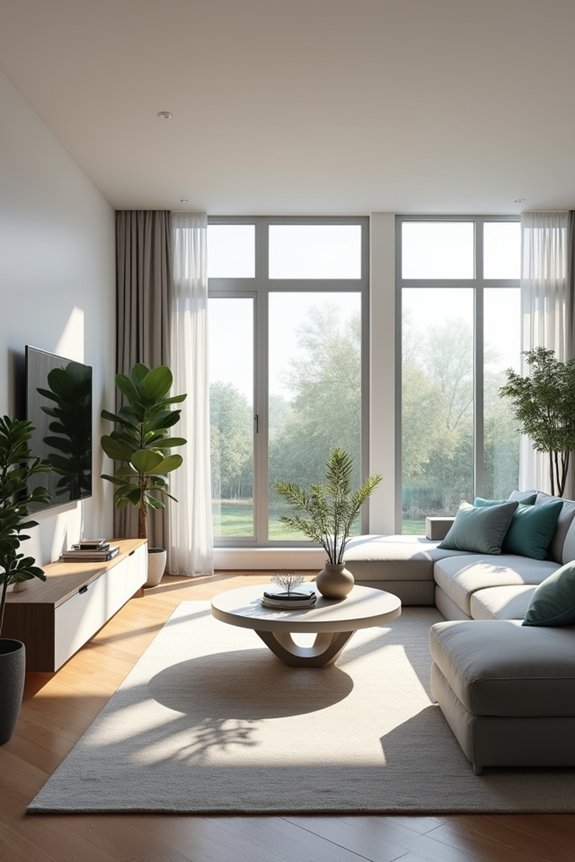
Paint.it nails the color challenge, but that’s the point—you still need to see how your entire room comes together in three dimensions. That’s where Planner 5D shines. This AI interior design tool lets me rotate, zoom, and explore my space from every angle in detailed 3D visualization. The drag-and-drop interface makes experimenting easy, and the AI-generated suggestions provide ideas I wouldn’t have considered alone.
| Feature | Benefit |
|---|---|
| 3D Room Viewer | See layouts from multiple angles |
| AI Design Suggestions | Get personalized recommendations |
| Realistic Renderings | Visualize finishes accurately |
| Interactive Editing | Experiment with furniture placement |
Whether you’re planning room layouts or testing furniture before purchasing, Planner 5D changes how you envision renovations. You’re not guessing anymore—you’re seeing your future space clearly.
Canva: AI Interior Design for Budget-Conscious Users

If you’re redesigning on a limited budget, Canva’s AI Interior Design tool deserves consideration—it delivers solid design concepts at a lower cost than specialized software. You’ll find the interface straightforward, letting you generate mood-board style images quickly, and since you’re already familiar with Canva’s other design features, jumping into interior planning feels natural and smooth. Sure, you won’t get photorealistic renderings or detailed floor plans, but for testing out color schemes and furniture arrangements during early brainstorming sessions, it offers good speed and accessibility.
Affordability Meets Design Quality
Many of us dream about redesigning our living rooms but hesitate when we see the price tags on professional design software or hiring an actual designer. Canva’s AI interior design tool changes that equation entirely.
You’ll appreciate these practical benefits:
- Affordability: Access powerful AI interior design features at reasonable costs
- Speed: Generate living room redesign concepts in minutes, not weeks
- Simplicity: No steep learning curve—Canva’s intuitive interface welcomes beginners
- Integration: Seamlessly blend your concepts with other Canva design tools
Here’s the honest truth: you’re not getting photorealistic renders, but that’s actually useful for quick brainstorming. You’re getting fast inspiration that helps you explore possibilities without overthinking. For budget-conscious designers like us, Canva proves that quality doesn’t require premium pricing. You can confidently experiment with multiple living room styles, discover what resonates, then move forward with assurance.
User-Friendly Feature Set
What makes Canva’s AI Interior Design tool stand out isn’t fancy algorithms—it’s how thoughtfully they’ve designed the whole experience around people like us who just want results without the headache. You’ll navigate the mood-board workflow like you’re already familiar with it, which honestly feels refreshing. The interface guides you through generating concept visuals in minutes, not hours. I appreciate how they’ve stripped away unnecessary complexity. You input your room details, select a style, and boom—your AI interior design concepts appear. The tool integrates seamlessly with Canva’s existing features, so if you’re already using their platform, you’re already halfway there. It’s straightforward enough that you won’t need tutorials, yet thoughtful enough that you feel genuinely supported throughout the process.
Choosing the Right AI Room Redesign Tool: A Decision Guide

Picking the perfect AI tool for your living room redesign doesn’t have to feel overwhelming—you’ve just got to know what matters most to you. Think about your priorities:
Picking the perfect AI tool for your living room redesign starts with knowing what matters most to you.
- Budget: RoomsGPT and free VisualizeAI prompts won’t cost you anything upfront, while HomeVisualizerAI requires investment for professional-grade renders
- Speed: Need quick concept sketches? RoomsGPT delivers two iterations fast
- Customization: VisualizeAI accepts images, sketches, or floor plans with style presets you’ll actually love
- Realism: HomeVisualizerAI produces high-quality, professional renders that feel authentic
Start with your room’s specific needs. Got a tight timeline? Go with RoomsGPT. Want detailed, accurate renders? HomeVisualizerAI’s your match. The right AI interior design tool selection depends on balancing cost, workflow, and your living room redesign vision.